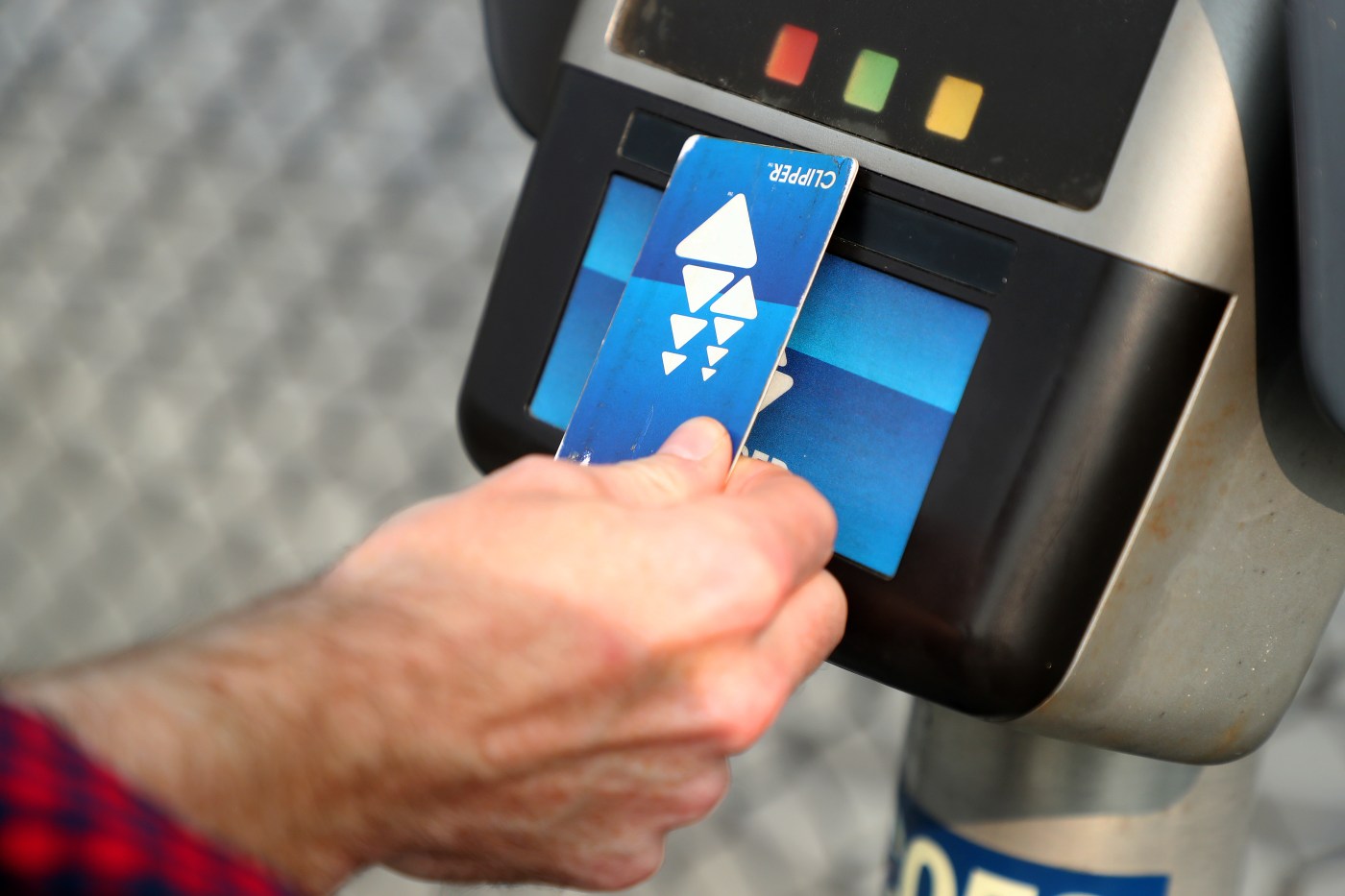
Under a new system rolled out Wednesday, Dec. 10, almost every transit system in the Bay Area will allow riders to pay by tapping a credit or debit card.
But Clipper payment — by plastic card or on one’s phone — will still be accepted, and there are reasons you might want to keep using it.
What is the new system?
The tap-and-pay ability newly adopted by Caltrain and most other train, bus and ferry agencies in the Bay Area allows riders to pay fares with a chip-enabled credit or debit card rather than the prepaid Clipper. BART made a similar change in August.
Accepted payment sources are Visa, Mastercard, American Express, Discover, Apple Wallet and Google Wallet. Each rider must pay with their own card or device. Where an exit tap is required for a Clipper card, it will also be required for a credit/debit user.
Will my current Clipper card still work?
Yes. You can continue to pay with your Clipper account and add funds to it using the same method.
Is there a reason I should keep using Clipper rather than my credit card?
The credit/debit payment system will charge you the full adult fare. If you have a youth, senior or income-based discount, you’ll need to keep using Clipper to get the reduced rate.
I keep hearing announcements about “Next Generation Clipper” or “Clipper 2.0.” What is that?
“Next Generation Clipper” is an umbrella term for a number of changes including the credit/debit payment method.
For most people, the other big advantage of the new system is a transfer discount when you use more than one transit agency for a trip. This calculator shows how much the discount will save you on a specific trip. For instance, riding Caltrain from Palo Alto to Millbrae, then taking BART to the Powell Street station will cost $8.65 rather than $11.50. To get the discount you must use the same card for all legs of the trip.
Beyond that, the changes are intended to make it easier to set up and use a Clipper account. There will be no lag time before newly added funds become available; you can manage multiple Clipper cards through one account; and you’ll be able to apply for youth and senior cards online.
Do I need to do something to upgrade my Clipper card to “Next Generation”?
All existing Clipper cards will eventually be upgraded, but without a manual nudge it might take as long as three months. If you want to hurry the process along, go to your account on clippercard.com or call Clipper customer support at 877-878-8883.
On Dec. 10, the day the new system went into effect, some users were reporting difficulty getting access to their accounts, and there was a long wait time on the support line.
How do I know when my card is upgraded?
When an upgraded card is tapped on a payment reader, the message will be “Travel OK.” If the card hasn’t yet been upgraded, it will display your account balance. Or you can call that same support number — 877-878-8883 — and ask if your card is upgraded.